How to Find a Song When Shazam Can't Help
Shazam failed? Here are three proven methods to track down any mystery song, other apps, lyric search, and asking real people online.
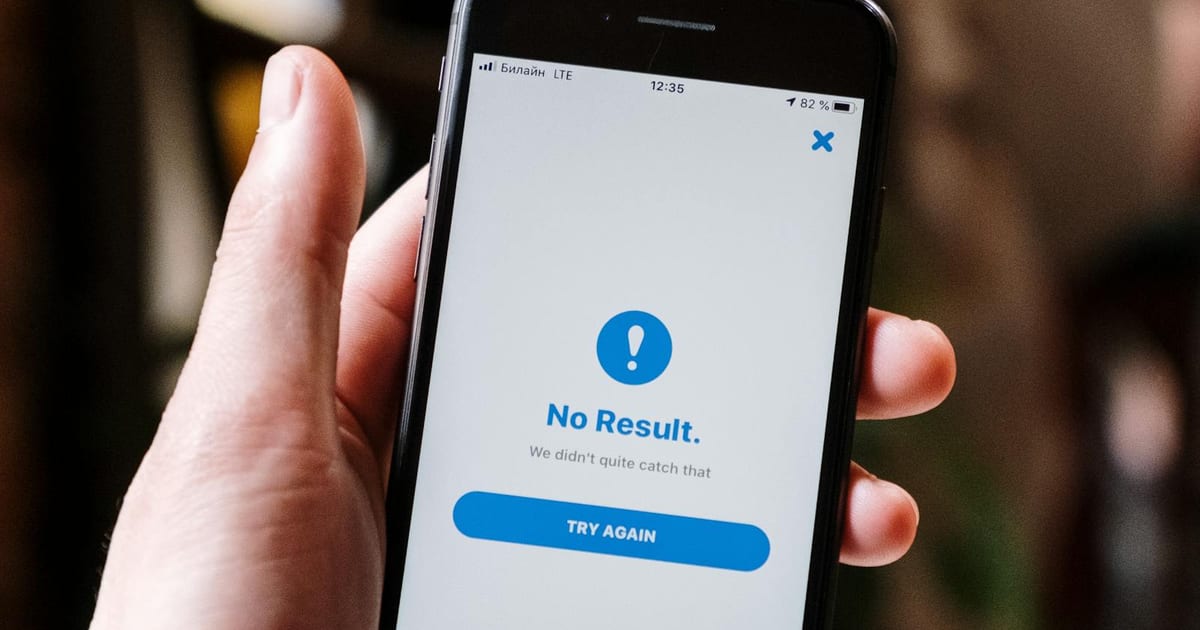
You open Shazam, hoping it will recognize the catchy song you just heard. Instead, Shazam hits you with, "No result, we didn't quite catch that." You try again, humming the part you remember and waiting for it to load. Still, it fails to find a match.
As frustrating as it is, not finding the song you want is pretty common with tools like Shazam. There are many reasons why Shazam might fail. The recording may not be clear. People may be talking over the song. Shazam's library may not include the newly released song the DJ plays on the radio.
The good news? This isn't the end. People have identified songs without Shazam for years, using proven methods that help track down elusive tunes, so those catchy earworms don't have to haunt you.
1. Try other apps
Shazam has one of the largest song databases, which is no surprise since Apple owns it. Apple links songs across its products, like Apple Music, and makes them ready for recognition over at Shazam. This makes the common reason Shazam doesn't find your song is simple: it doesn't have it.
This is mostly true for brand-new songs or for artists who do not release their music on all music streaming platforms.
This is where other apps come in. Many of them use a completely different database from Shazam, giving you more chances to find a match. These apps, like Shazam, also use acoustic fingerprinting technology, so they are able to recognize songs from recordings and files.
SoundHound is, for many, the best alternative to Shazam. It excels at recognizing humming and singing. Many people report that it works well with Pop and Rock tracks. If your song fits one of those genres, try SoundHound first.
YouTube Music's recognition feature, available in its mobile app, is less well-known. It identifies songs by recording your surroundings, relying on YouTube's massive video and music library.
Try YouTube Music if you think the audio is altered. This includes songs that are remixed, slowed, or sped up. YouTube Music is good at recognizing these versions. YouTube lets users upload edited songs, so its database includes many variants.
If you have a video or audio file you want recognized, song identification websites like AHA-Music and Audiotag let you upload it and scan it for songs in their respective databases. They don't require installation or an account to use, making them the easiest and most accessible tools across devices.
2. Search with lyrics
"Esas son Reebok o son Nike?", "Is that Reebok or Nike?"
If you are sitting on a song where you can hear some lyrics, searching for those lyrics could lead you directly to it.
Apps and websites like Musixmatch, Genius, and AZLyrics let you search by lyrics, then scan their considerable lyric corpus and present you with songs that include those words.
Or instead of searching each of them individually, you can use Google to search for the published lyrics; just be sure to wrap the lyrics in quotation marks.
The cool part about searching by lyrics is its forgiveness for the lack of details; you don't have to search for the exact term to find matches. Close calls or just a few correct syllables might just be close enough to find your match.
A classic example of this comes from a Dominican radio listener who asked for a song that goes, "Esas son Reebok o son Nike?" meaning, "Is that Reebok or Nike?" The hosts were puzzled at first, since no song actually has those lyrics. After it clicked for one of the hosts, he played the 1993 dance hit "Rhythm of the Night" by Corona.
You can use this to your advantage and search for different variants of the lyrics you remember:
"dancing in the moonlight" lyrics(exact lyrics)"dancing in the moon" song(misheard version)song that goes "something something moonlight"(vague version)
All could lead to the same song, making your misheard or vague lyrics just as valuable as the exact ones.
For songs without lyrics, the alternative is to search by description, especially on YouTube. This might seem useless at first glance, but YouTube actually has a great index for descriptions, metadata, comments, and auto-generated captions. Some users reported finding songs by describing how the lead synth and vibe sounded, so be sure not to shy away from this method or underestimate it.
3. Ask social media
If all the aforementioned tools and methods have so far failed in giving you the song you are looking for, then social media might be your last resort.
Here, people will prove to you they are just as efficient and accurate at finding songs, if not better than programs and algorithms, and for a good reason. Those outliers and hard-to-find songs for tools and apps are the bread and butter for many users. A song that might not have been included in fingerprinting databases might just be on repeat for a random user who is just as excited to share it with you as you are to finally find it.
Other than that, platforms like Instagram and TikTok have integrated and structured music features that allow users to add music to their posts and stories. This adds a music sticker to the post or story and lets viewers instantly see the song used, ensuring most posts are correctly labeled with the music they include.
But when you encounter a mystery song on a platform like Instagram or TikTok that the platform didn't label correctly, your best bet is just to ask the poster directly, ask in the comments, or look to see if someone before you had already asked and if others answered.
If that did not help, you can post on dedicated platforms and communities for music searching.
These include subreddits like r/tipofmytongue and r/NameThatSong. They're large, active communities where members can help you identify songs from humming, lyrics, descriptions, or recordings.
Don't forget to check WatZatSong, the largest music search forum, where you can also upload clips and recordings.
The best part about asking real people is their ability to help you find even the most difficult of matches, no matter how obscure the description or noisy the recording you throw at them.
What to keep in mind
Unfortunately, some songs are just impossible to find right now, even if you try all these tips and tools.
But that doesn't mean you should give up. Sometimes, the best thing to do is wait and try again later. The song might get added to a recognition app, someone could upload it to YouTube, or you might meet the right person on social media. So don't lose hope, and give it another try!
To recap, here's what you can do when Shazam can't help: try other music recognition apps, search by lyrics or a description, and ask on social media or dedicated online communities. Using these methods together gives you the best shot at finding your mystery song. With a little patience and persistence, you're likely to find the answer you're looking for.